UmbraScript
UmbraScript is an xTalk-style scripting language for inspecting and automating content and media in Umbraco CMS.
Use readable statements to find content, update properties, publish a branch, or organize media without writing a one-off application.
Install UmbraScript Run your first command
What you can do
Work with content
Inspect, create, publish, unpublish, rename, move, copy, trash, and restore content nodes.
Work with properties
Read property values across a selection, then set or clear values when you need to make a controlled change.
Work with media
Inspect the media tree, create folders, and rename, move, copy, trash, or restore media items.
Designed for Umbraco
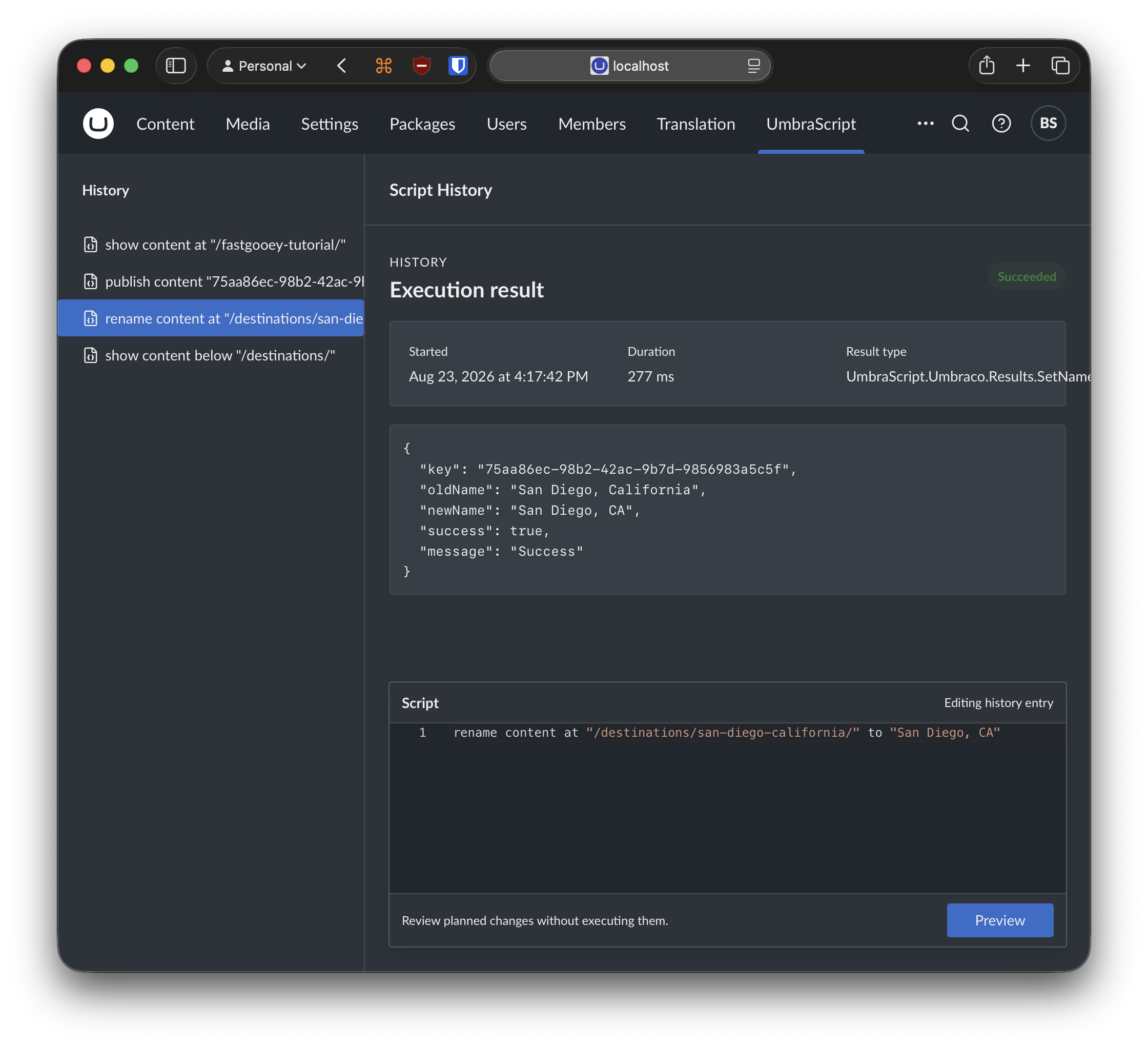
UmbraScript uses familiar Umbraco concepts: content keys, content routes, Document Type aliases, property aliases, the content tree, and the media tree. Keywords are case-insensitive, while names, paths, aliases, and values are written as quoted strings.
UmbraScript is free to use with Umbraco CMS 17 and later.
New to UmbraScript?
Start with the five-minute first-command tutorial. It uses a read-only command and explains the result before introducing commands that change your site.
Credits & Marketing Stuff
